

1
On the Superflow Dashboard, click Users in the left sidebar
Then click the Invite Users button in the top right.
2
Enter one or more email addresses
Type or paste emails, separated by commas. Each becomes a removable pill.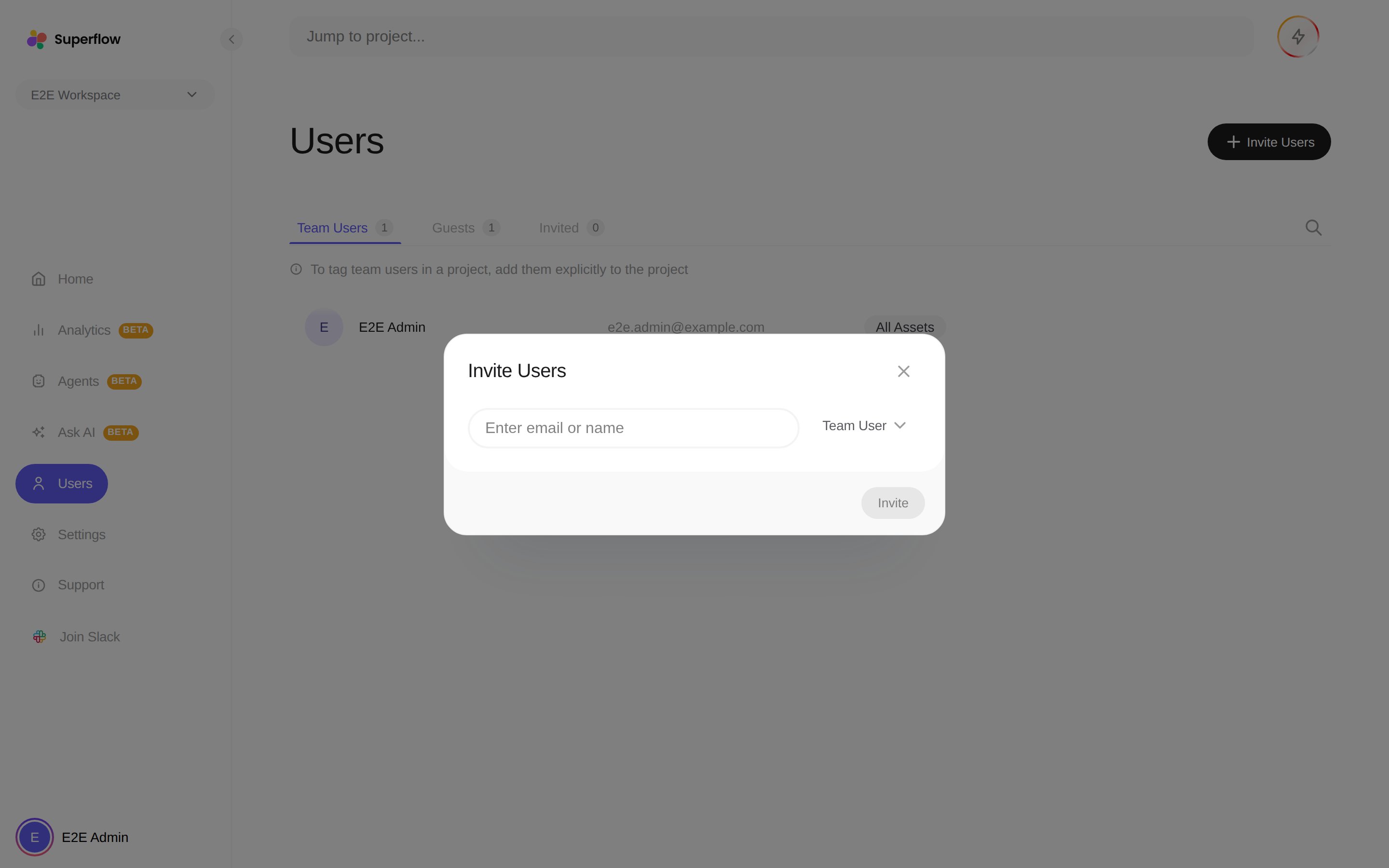
3
Pick the user type
- Team User: joins the whole workspace with access to every project.
- Guest: tied to a single project. Pick the project when prompted.
4
Click Invite
Each address receives an invitation email. Pending invitations appear on the Invited tab, where you can withdraw them.