

1
Open the project's settings
On the Superflow Dashboard, open the project’s three-dot menu and click Settings, or open the project and click the settings icon. See How to Access Project Settings.
2
Scroll to the Export Comments section
Choose JSON or CSV and start the export. The section is listed in the settings navigation on the left.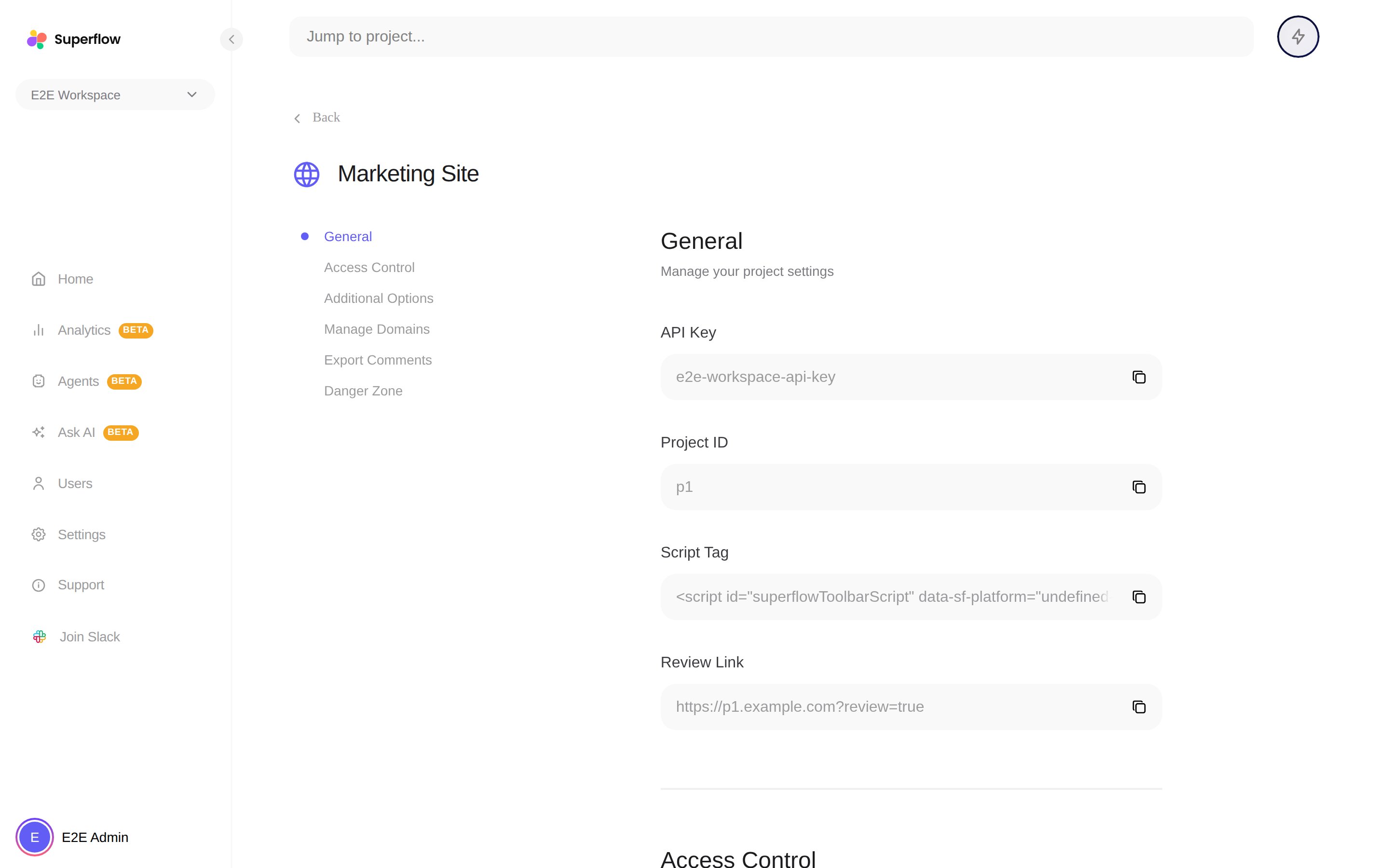
3
Download the file when it is ready
Superflow prepares the file and notifies you when the download is ready.