

1
On the Superflow Dashboard, click Users in the left sidebar
Then click Invite Users in the top right.
2
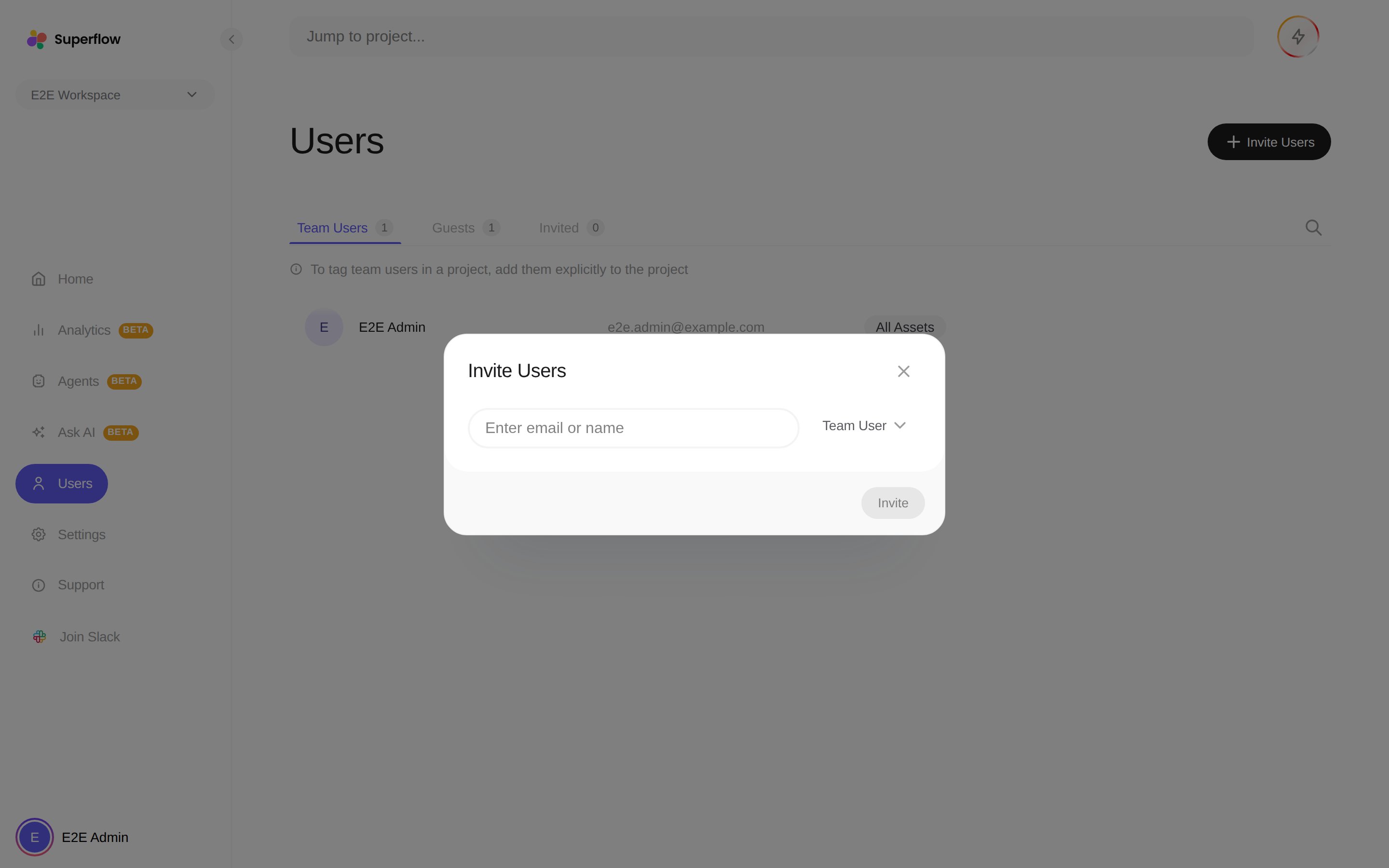
Enter the person's email and keep the user type as Team User
3
Click Invite
They receive an invitation email. Until they accept, the invitation is listed on the Invited tab, where you can withdraw it.
Team Users consume user seats from your plan. If seats are full, the dialog shows your usage and offers an upgrade, or you can withdraw a pending invitation to free a seat. See What is a Seat.