Superflow has two roles, designed around how agencies work: your team runs the workspace, and your clients comment on the projects you share with them.

Inviting each role

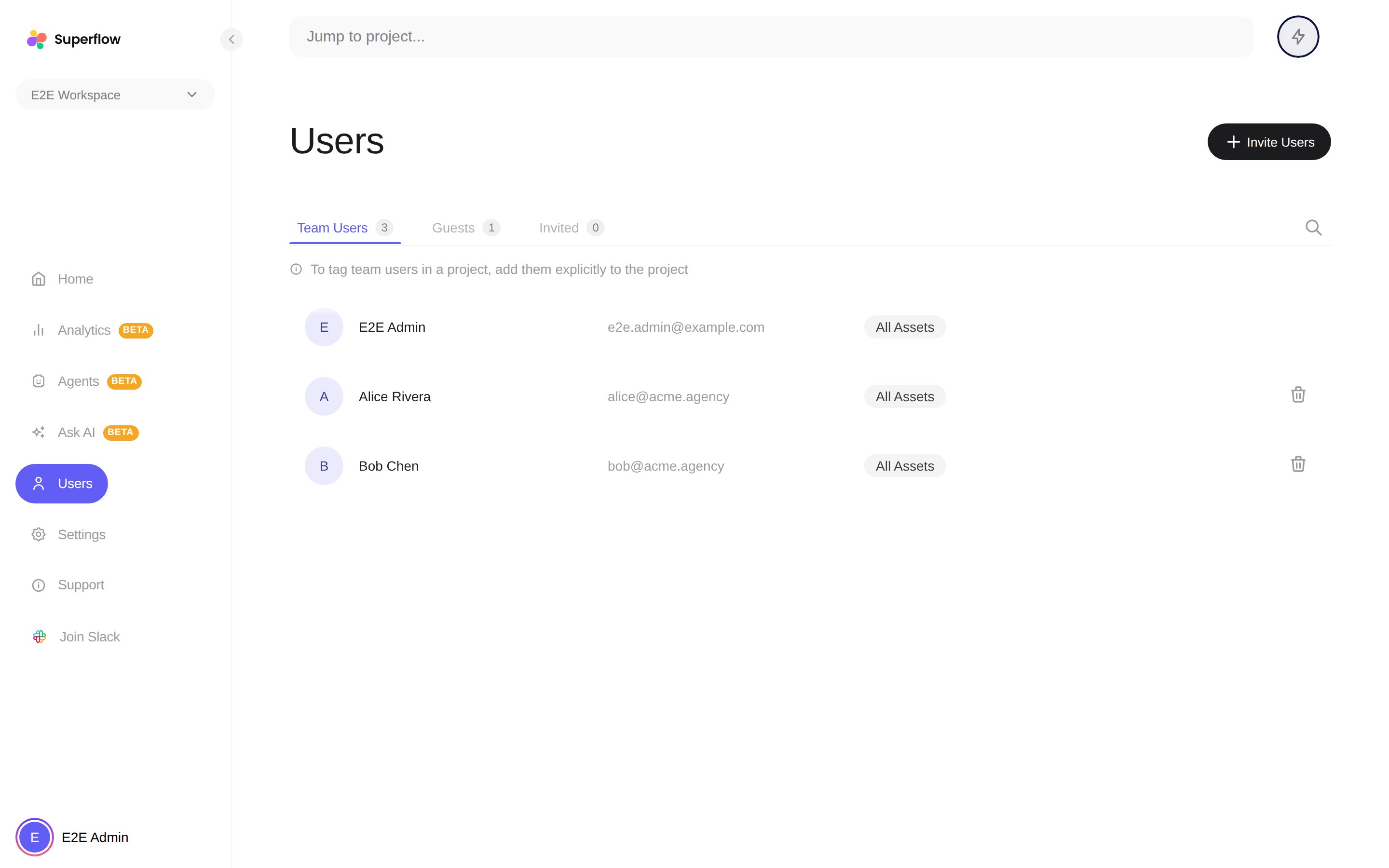
The Users page with Team Users, Guests and Invited tabs
On the Users page, click Invite Users and pick the user type:
  • Team User joins the whole workspace. Enter one or more emails and send.
  • Guest must be tied to a project. Pick the project, enter their email, and send, or skip email entirely and copy the Review Link for that project.
Invitations you have sent but that have not been accepted are listed on the Invited tab, where you can withdraw them.

Do clients even need an invite?

Often not. With guest mode enabled on a project, anyone with the review link can comment, either anonymously with just a name, or signed in if you allow it. Use Guest invitations when you want a consistent identity for a client across rounds of review.

Seats

Your plan includes a number of user seats (Team Users) and guest seats. Current usage is shown on the Billing page, and you can add seats from there when the team grows. When seats run out, the invite dialog shows your usage and offers an upgrade, or you can withdraw pending invitations to free a seat.