

Generating a token
1
Open the REST API integration page
On the Superflow Dashboard, go to Settings, then Integrations, then REST API, or open app.usesuperflow.com/settings/integrations/rest directly.
2
Click Generate Token
Your workspace API key and the new auth token are both shown on this page with copy buttons.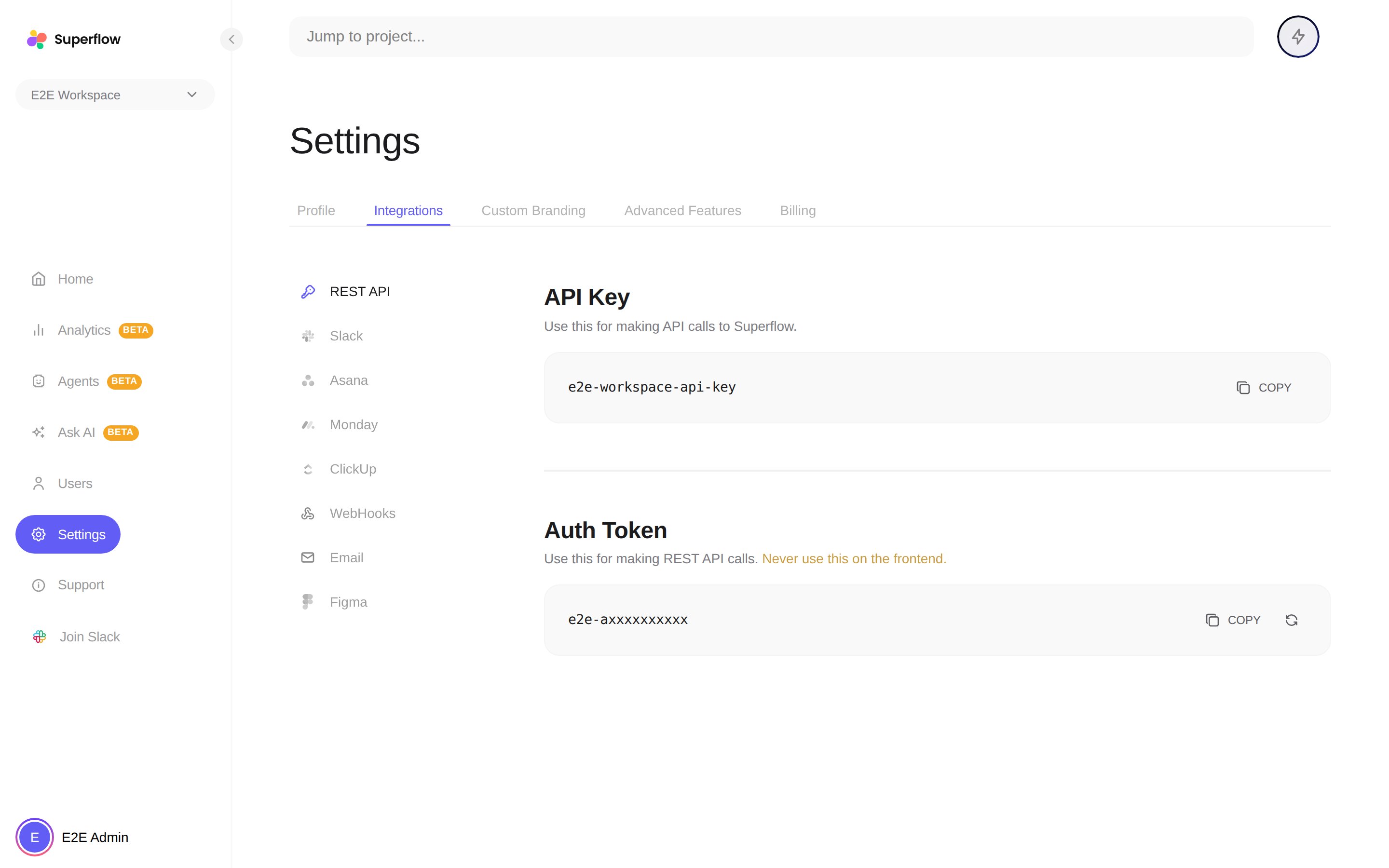
Things to know
- Keep it server-side. The auth token grants API access to your workspace. Use it from your backend or automation only, and never embed it in frontend code or a public repository.
- One token per workspace. Generating a new token replaces the old one, so update any automations after you regenerate.
- The REST API integration is available on plans that include integrations. If the page shows an upgrade prompt, your current plan does not include it.