

1
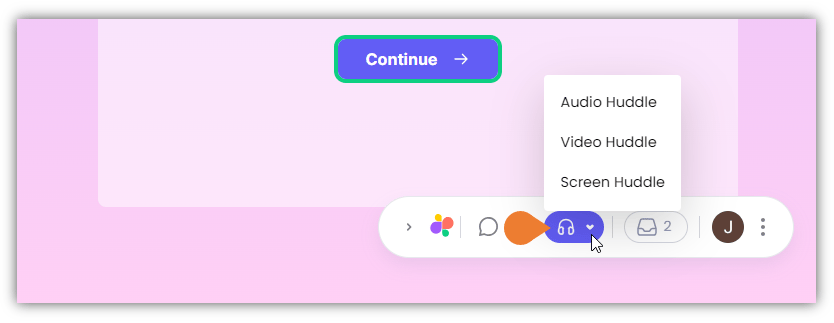
Find the Superflow Toolbar and click the Huddle icon
2
The Huddle menu expands, select your preferred huddle type:
- Audio Huddle
- Video Huddle
- Screen Huddle
3
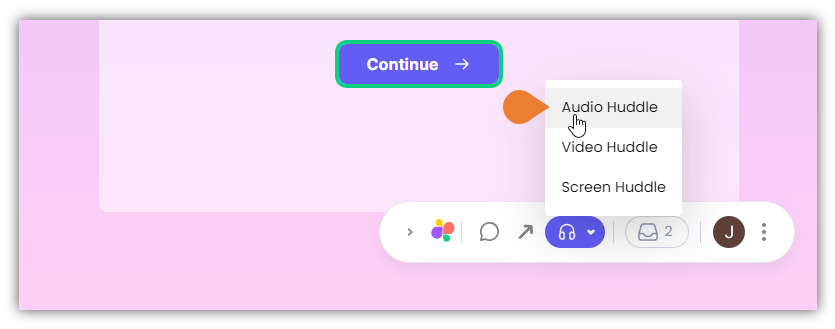
In this example, we will use the Audio Huddle feature
4
After selecting the huddle type, the Huddle Toolbar will appear
You can do the following: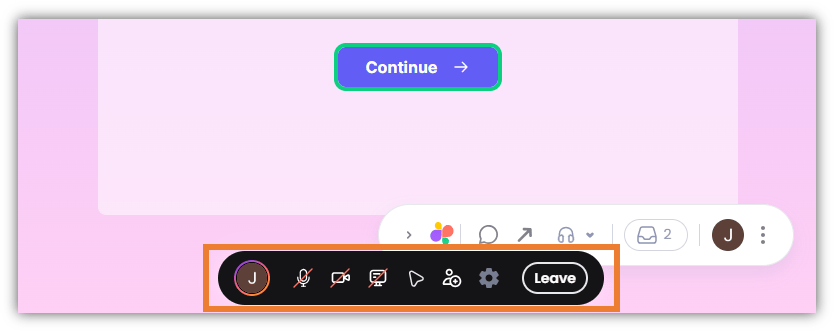
- Share your Screen
- Enable your cursor
- Invite Users to your Huddle
- Leave Huddle