

1
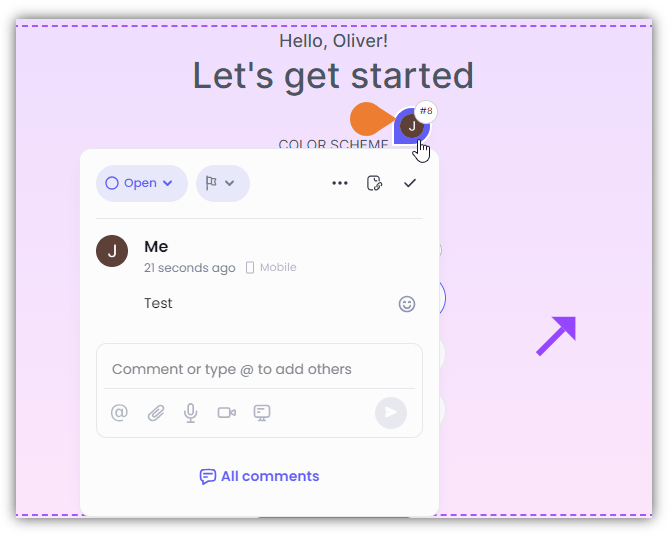
On the screen, find and click the Comment you want to delete
2
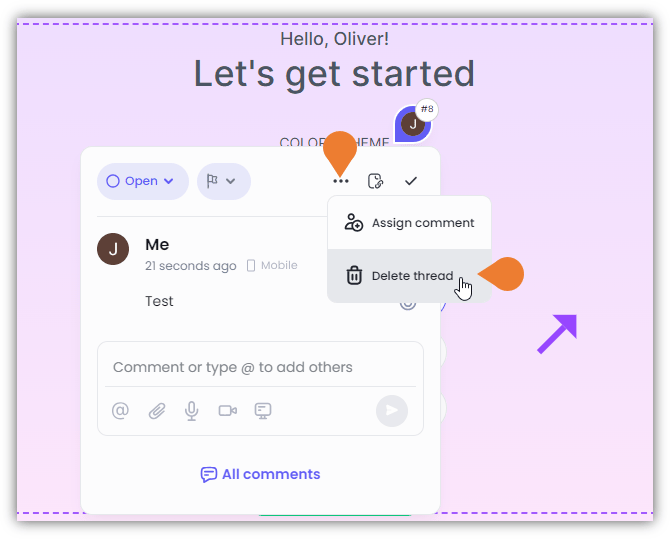
The Comment Box will appear, click the Menu (...) to enable more options
3
Click Delete Thread
A Confirmation dialog box will appear. Click Delete to continue deleting the comment.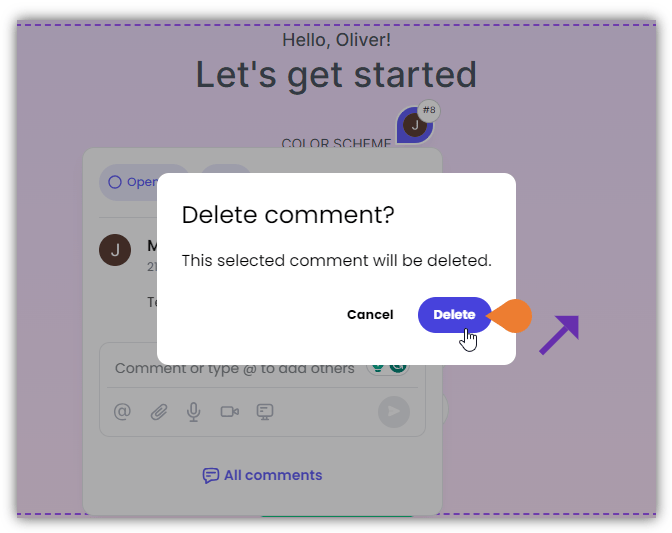
Learn how to delete existing comments.
On the screen, find and click the Comment you want to delete
The Comment Box will appear, click the Menu (...) to enable more options
Click Delete Thread