1
Ensure that you are logged in to your Superflow account
2
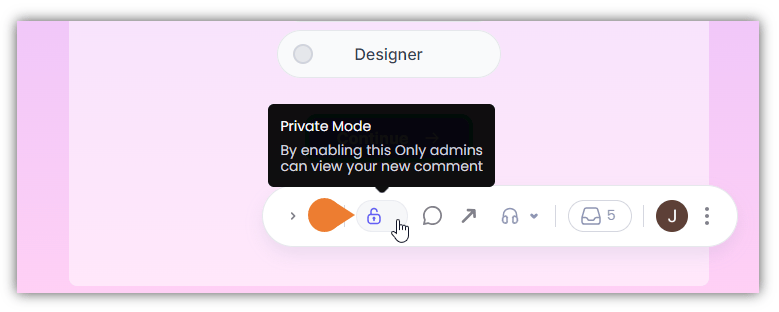
Find the Superflow Toolbar and click the Private Mode lock icon to enable this feature
3
Enabling this mode will allow only the admin users to view your private comments
On the Superflow Toolbar, click the Comment icon.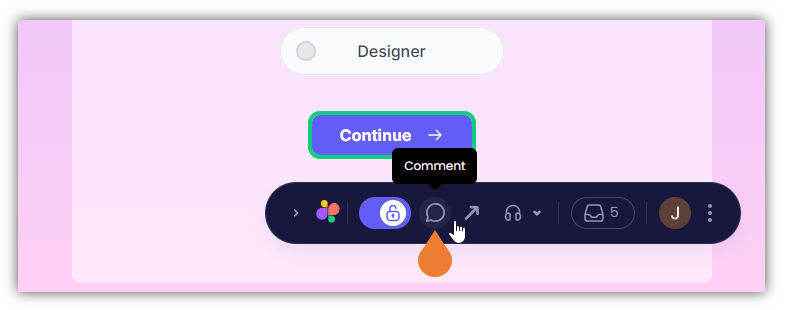
4
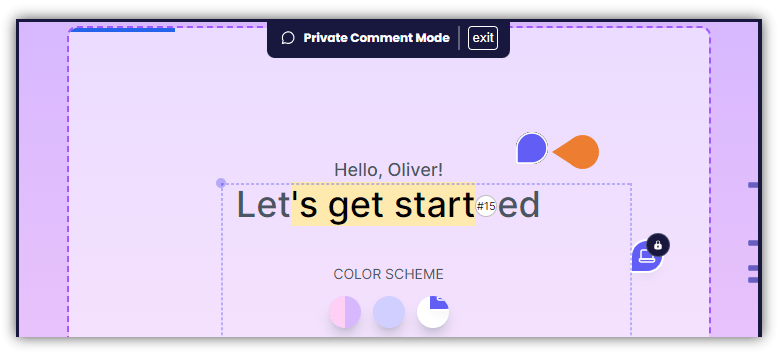
Click the area or an element where you want to comment privately
5
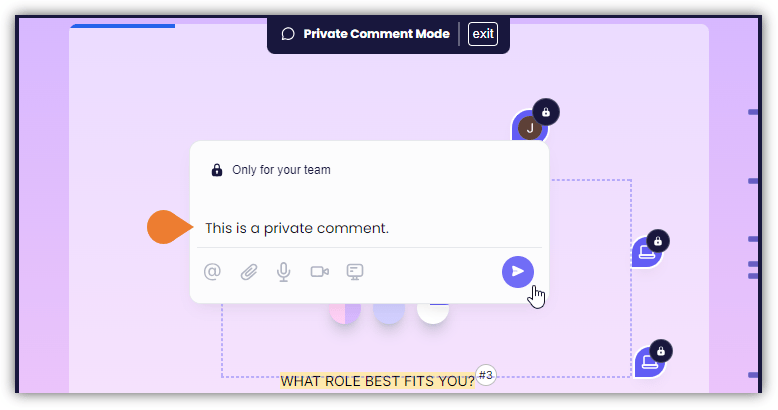
A Comment Box will appear
Enter the private comment and click the Post icon.