

?review=true to any URL to bring up the toolbar and start commenting.

What you get once Superflow is installed
Create a project
Enter the URL of the site you want to review. Superflow generates a unique script for that project.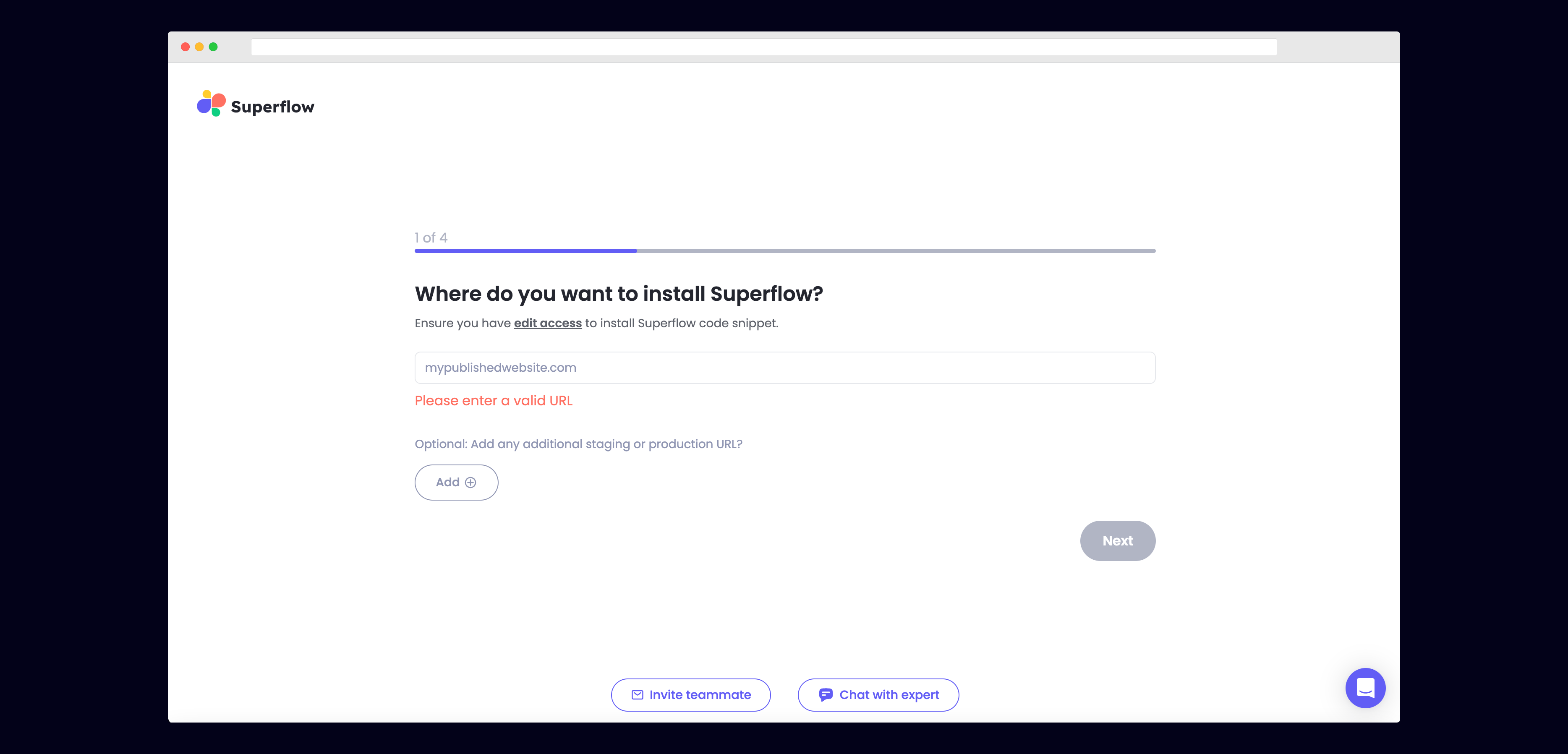
Add the script to your site
Pick your platform below. Every install guide opens with a video walkthrough, then repeats it as steps with a screenshot for each click.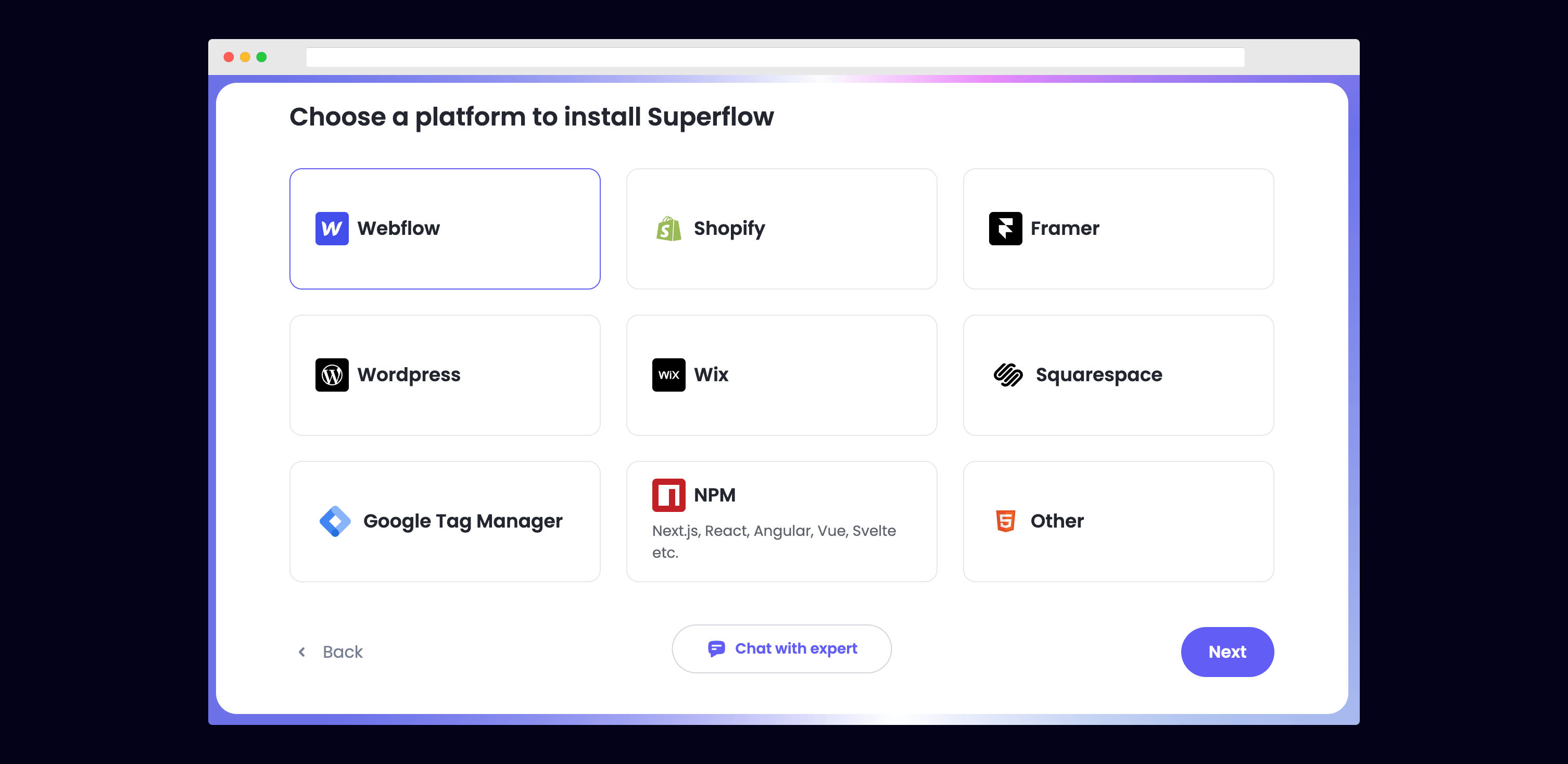
Verify the installation
Click Verify in the onboarding flow. Superflow opens your published site and confirms the script is live.
Leave your first comment
Open your site with 
?review=true at the end of the URL, for example mywebsite.com/?review=true. The toolbar appears in the bottom right.Pick your platform
Webflow
Webflow app
WordPress plugin
WordPress self-hosted
Elementor
Shopify
Squarespace
Wix
Bubble
HubSpot
Drupal
Framer
Typedream
Google Tag Manager
React
Next.js
Vue
Angular
Svelte
Next
Put agents to work
Describe a check in plain English and let Superflow run it against your site.
Watch every walkthrough
All installation and agent videos on one page.