

Review live websites
Comment directly on the real site, not on a screenshot of it. Superflow installs as a single script, and the toolbar appears when you add?review=true to any URL.
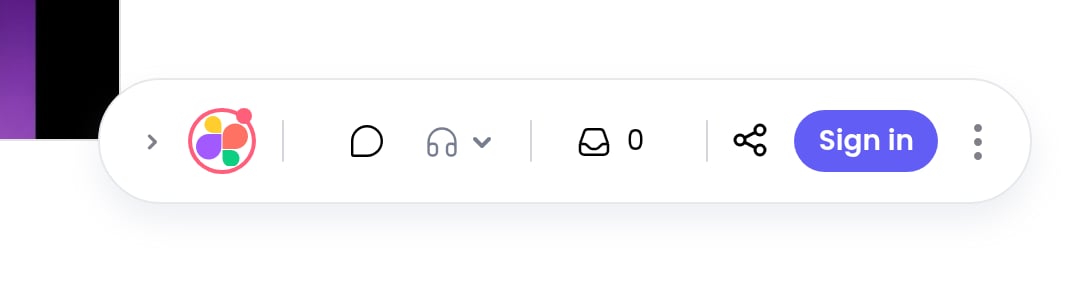
The Superflow toolbar, docked in the corner of the site under review
Comment on anything
Pin a comment to an element, highlight text, or draw a box anywhere on the page. Every comment captures the page, device and screen size automatically.
Record instead of type
Voice notes, screen recordings and video comments, attached right where the feedback belongs.
Statuses and priorities
Every comment is a task. Set status and priority on the page, then track it on the Kanban board.
Comment screenshots
Superflow captures a screenshot with each comment, so feedback still makes sense after the page changes.
AI review agents
Agents are reusable checks you describe in plain English. Superflow runs them against your projects and reports findings: spelling, broken links, accessibility, brand consistency, or anything else you can describe.Create an agent
Describe the check in plain English. Superflow builds and stress-tests the agent for you.
Turn a checklist into agents
Upload the QA checklist you already use as a PDF or CSV, and Superflow extracts one agent per check.
The Workspace Agent
One built-in agent that enforces a living checklist of rules your whole team maintains.
Review agent findings
Findings appear as pins on the page and as a dedicated tab on the project board.
Client review without friction
Your clients should never need a login, a plugin, or a tutorial to leave feedback.Guest mode
Clients comment without creating an account. Optionally let them sign in, or stay anonymous with just a name.
Review links
Share a single link that opens the site with the toolbar ready. Password protection available for sensitive work.
Files, PDFs and media
Websites are half the job. Superflow also reviews the assets around them: PDFs, images, videos, Lottie animations, and Figma files.Upload a file
Drop in a PDF, image, video or Lottie file and get a review link in seconds.
Import from Figma
Connect Figma, pick frames, and review designs with the same comments and statuses as everything else.
Versions and approvals
Every file keeps a version history. Approve the final version so everyone knows what shipped.
Comment on a file
The same commenting tools you use on live sites, on any uploaded asset.
The dashboard
The Superflow dashboard at app.usesuperflow.com is where the work gets tracked and the workspace gets managed.Kanban board
Every comment is a card. Drag between status columns, filter by person or page, and add your own custom statuses.
Analytics
Comment volume, resolution times, busiest projects, and who is waiting on whom.
Team and guests
Team Users manage the workspace. Guests are your clients, scoped to the projects you invite them to.
Custom branding
Put your agency’s logo on the toolbar and the dashboard, so clients see your brand, not ours.
Export comments
Download every comment on a project as JSON or CSV.
Email summaries
A digest of activity across your projects, on the schedule you choose.
Connect your tools
Integrations
Slack, Asana, ClickUp, Monday, Vercel, email, and webhooks. Send comments where your team already works.
REST API
Create projects and automate Superflow from your own systems.
MCP for AI tools
Connect Superflow to Claude, ChatGPT, Cursor and other AI tools, and let them run agents and read findings for you.
Webhooks
Get notified on your own endpoint whenever comments are added, resolved, or change status.